The TeamViewer Community will undergo scheduled maintenance on Wednesday, Nov. 18, from 2:00-5:00 AM CET.
The Community may be temporarily unavailable during this time. We apologize for the inconvenience. For more information, visit our Status page.
Hello,
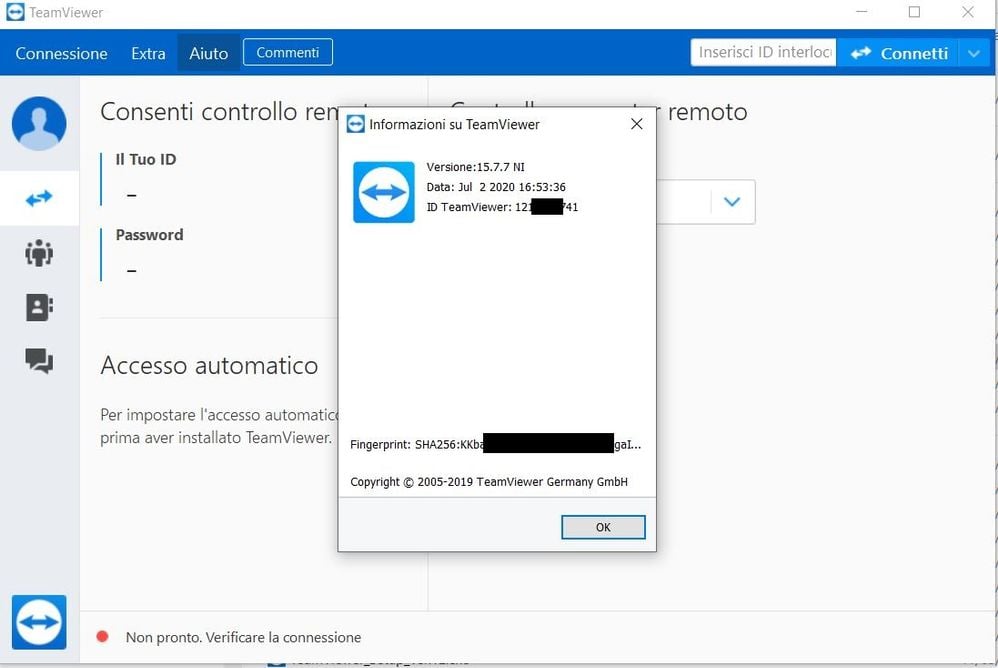
My teamviewer stop working after windows 10 update, give a network error like if there is no internet. Before the windows update I was running Teamviewer 12.
I tray to disistall and install the last version but still don't working .
Best Regards
Tommaso
I found a drastic solution and now the TeamViewer is working again, just reistall the windows 10 2004 from zero, after the reistallation with the last windows patch is working again. The problem is not possible and think after one windows patch the teamviewer stop working and is not solution.
Thanks for the Help again.
Hello i did another tentative, delletting all the files and folders on the PC TeamViewer also %APPData% restart the PC and tray to run only the teamviewer.
Still not working Then I check the log on %APPDATA\Roaming\TeamViewer. It's Below,
[Logs removed by moderator]
@Vatsilidis wrote: Hi @TTrittoni In order to completely uninstall the app, you must choose to remove the configuration files, during the process.Else is not completely uninstalled.Best
Hi @TTrittoni
In order to completely uninstall the app, you must choose to remove the configuration files, during the process.
Else is not completely uninstalled.
Best
I did select remove file when I disinstall, I also cleen the folders on %APPData% and Program Files, run CCleanner to check the registry and reinstall but still not working.
IF i don't fine a solution the last resort is format My PC and reinstall windows.
Be part of the conversations shaping TeamViewer
Learn more about the latest feature we’ve released.
Discover quick, practical tips to get more out of TeamViewer each month.