In the latest ITbrain Backup update we improved the backup restore dialog and the backup selection. Please find more details below:
Restore dialog improvements:
- Showing the file size of your selection:
This new feature will show you the size of your selected file before the restore. 
Backup selection improvement:
- File path in advanced selection: This improvement will allow you to backuped individual files. Simply add the full path of the file in the advanced selection.
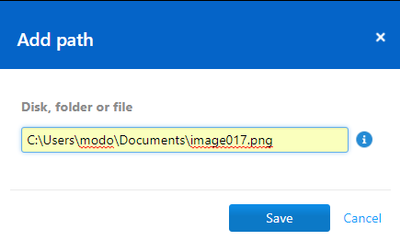
- Wildcards: ITbrain Backup now supports wildcards “*” in the advanced selection. You can replace a folder path by using the “*”as a placeholder.

Examples: C:\Users\*\Appdata\Local (to select Appdata\Local in all user directories)
Use only one * to replace the full folder name.
Let us know what you think about these improvements.
