The TeamViewer Community will undergo scheduled maintenance on Wednesday, Nov. 18, from 2:00-5:00 AM CET.
The Community may be temporarily unavailable during this time. We apologize for the inconvenience. For more information, visit our Status page.
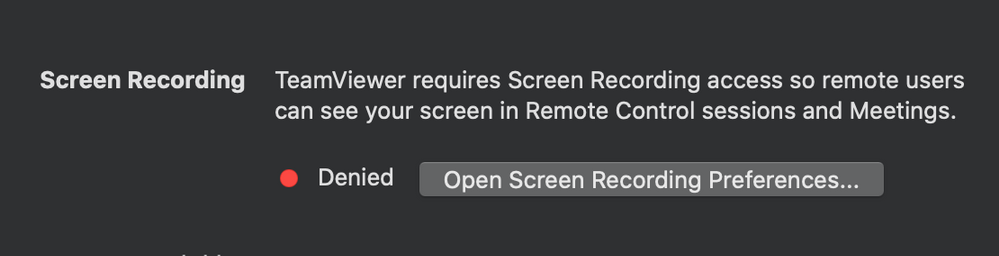
I am supposed to grant "Screen Recording" access inorder for the remote connection to work.
but when I open the "Screen Recording Preferences", I do not see Team Viewer in the list of applications. How do I give screen recording permission otherwise?
I had to actually connect to the team viewer from remote to get this popup. Can you please fix the documentation to reflect this step please?
https://community.teamviewer.com/t5/Knowledge-Base/How-to-control-a-Mac-running-macOS-10-14-or-higher/ta-p/44699#toc-hId--**Please do not post TeamViewer IDs**
Be part of the conversations shaping TeamViewer
Learn more about the latest feature we’ve released.
Discover quick, practical tips to get more out of TeamViewer each month.